Your Turnitin guidance is moving!
We’re migrating our content to a new guides site. We plan to fully launch this new site in July. We are making changes to our structure that will help with discoverability and content searching. You can preview the new site now. To help you get up to speed with the new guidance structure, please visit our orientation page .
Tilføje en mappe
Du kan nemt identificere mapper  med deres respektive ikon.
- Vælg
 Mine filer fra sidebjælken.
 -
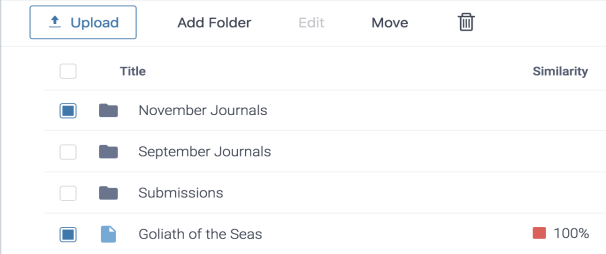
Vælg Tilføj mappe.
-
Angiv et navn til mappen.
Kontroller, at mappenavnet er entydigt for det mappeniveau, som du føjer mappen til. Du kan ikke oprette en mappe med samme navn som en allerede eksisterende mappe på samme niveau.
-
Vælg knappen Tilføj for at oprette mappen.
Was this page helpful?
We're sorry to hear that.
