Your Turnitin guidance is moving!
We’re migrating our content to a new guides site. We plan to fully launch this new site in July. We are making changes to our structure that will help with discoverability and content searching. You can preview the new site now. To help you get up to speed with the new guidance structure, please visit our orientation page .
Step 3 - Considerations for when moving between 1.1 and 1.3 (Not required for new institutions)
We are currently looking at ways of improving the migration process, including the ability to fully remove the 1.1 integration but still retain access to previous assignments. However, until we have been able to explore this with Canvas, please keep in mind the following when moving between 1.1 and 1.3:
-
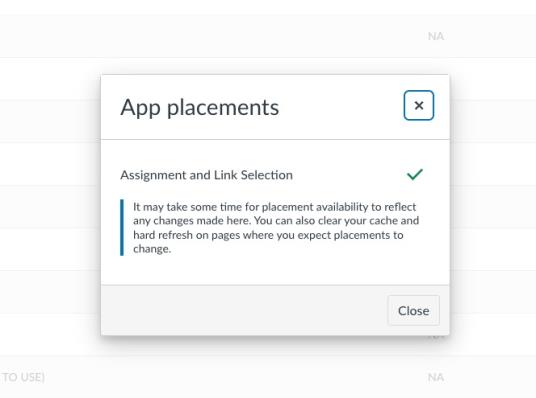
Canvas administrators should remove the LTI 1.1 placement to prevent it from appearing in the assignment set-up. However, the LTI 1.1 configuration should be retained, in order to ensure access to existing assignments continues to be available. Check out Canvas' guide to learn how.
-
Institutions should use the same account ID from their 1.1 integration when initializing 1.3 for the first time.
-
Copied LTI 1.1 assignments will continue to be created as LTI 1.1 assignments. Assignments should be recreated as LTI 1.3 assignments, where possible. LTI 1.3 introduces full roster syncing with Canvas, making the process of creating a new assignment quicker than ever. Students enrolled in the class will automatically be added to the Turnitin assignment without the Instructor having to manually add them individually.
Was this page helpful?
We're sorry to hear that.
