Your Turnitin guidance is moving!
We’re migrating our content to a new guides site. We plan to fully launch this new site in July. We are making changes to our structure that will help with discoverability and content searching. You can preview the new site now. To help you get up to speed with the new guidance structure, please visit our orientation page .
日付範囲の指定
-
「管理者設定」ページで、「管理者」サイドパネルから「統計」を選択します。
-
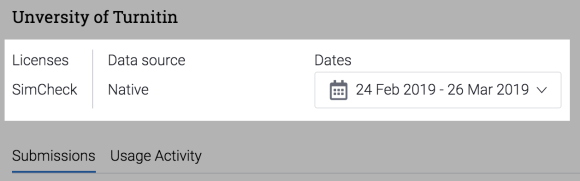
統計を表示するデータのソースを選択します。複数の Turnitin 製品を使用する場合は、詳細を知りたい製品を選択してください。
-
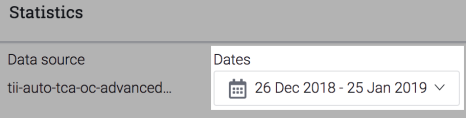
現在選択されている日付範囲を選択して、新しい日付を選択します。
-
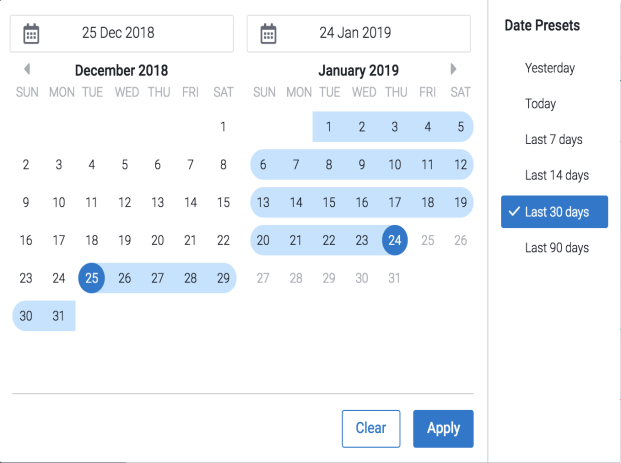
カレンダーを使用して、統計を表示する日付範囲を選択します。または、「データプリセット」列を使用して、今日から過去 90 日間までの定義済みの日付範囲を選択します。
-
表示する期間を選択したら、「適用」ボタンを選択して選択内容を確定します。表示しているデータは自動的に更新されます。
Was this page helpful?
We're sorry to hear that.
