Your Turnitin guidance is moving!
We’re migrating our content to a new guides site. We plan to fully launch this new site in July. We are making changes to our structure that will help with discoverability and content searching. You can preview the new site now. To help you get up to speed with the new guidance structure, please visit our orientation page .
Flytte en fil eller mappe
Du kan enkelt identifisere
mapper 
filer 
Å flytte mappe A til mappe B vil gjøre mappe A til en undermappe i mappe B.
- Å flytte mappe A til mappe B vil flytte innholdet i mappe A sammen med det.
- En mappe på øverste nivå kan ikke flyttes til en egen undermappe på lavere nivå.
- Velg
 Mine filer fra sidepanelet.
 Velg element(ene) du ønsker å flytte.
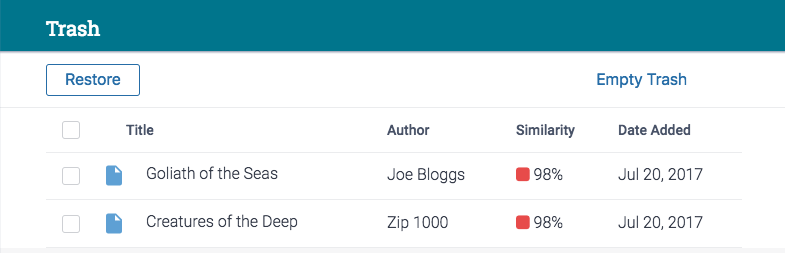
Vous pouvez déplacer plusieurs éléments à la fois à l'aide des cases à cocher.
En rekke handlinger vises ved siden av Last opp-knappen. Velg Flytt.
Finn og velg mappen du vil flytte elementet(e) inn i. Mappen du har valgt å flytte elementet(e) inn i, merkes med et blått kryss-ikon.
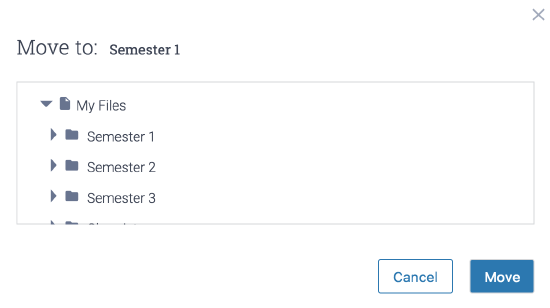
Velg Flytt-knappen.
Was this page helpful?
We're sorry to hear that.
